Organization Access Control (RBAC)
Overview SuperPlane uses organization-scoped role-based access control (RBAC) to decide who can do what in an organization. Today, RBAC is only defined at the organization level.
RBAC Sections
Role Model
- A member has one direct organization role at a time. Assigning a new role replaces the previous direct role.
- Group membership can add additional roles. Effective permissions are the union of direct role, group roles, and inherited roles.
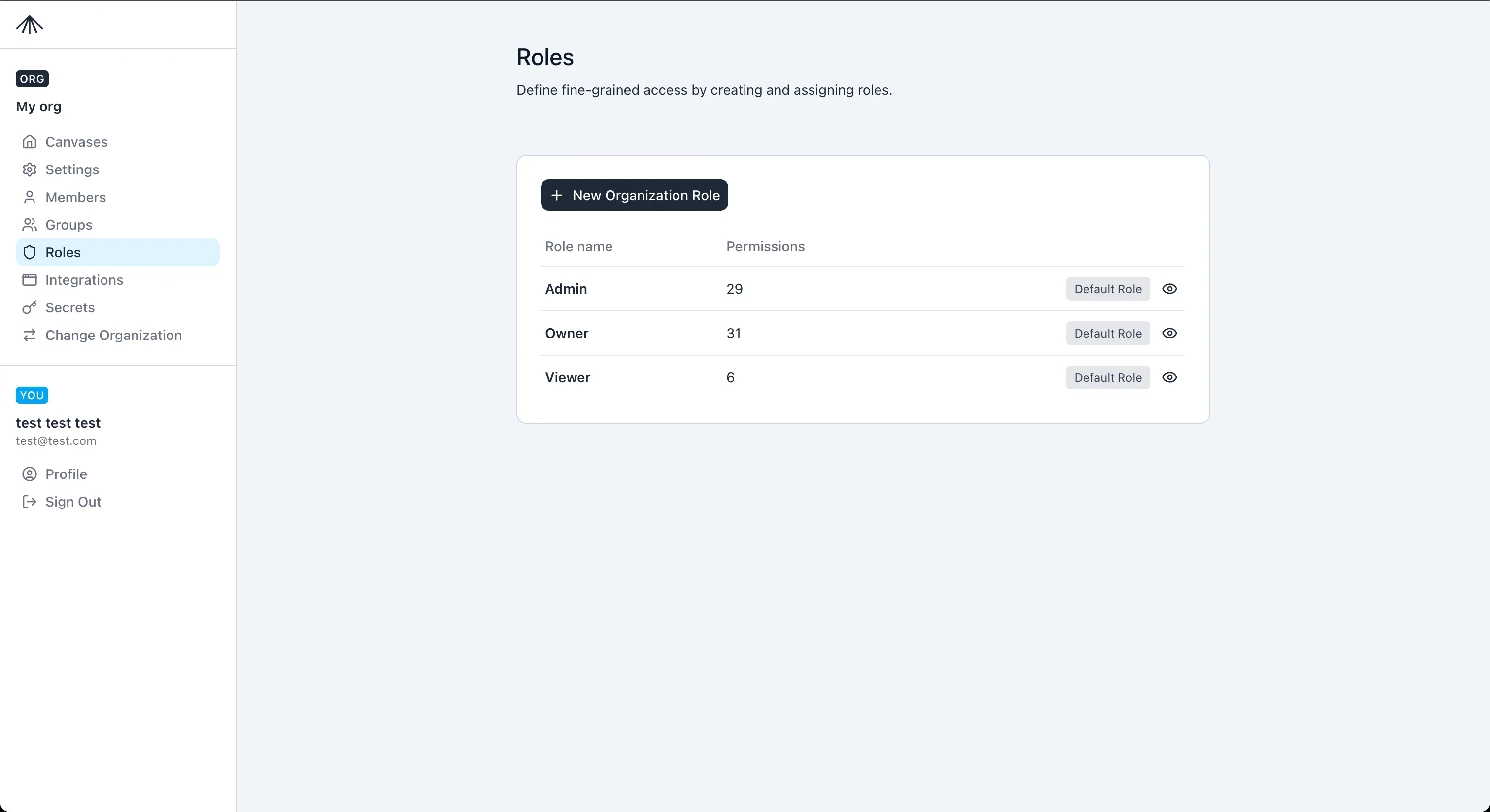
- Default roles are
Owner,Admin, andViewer. They are read-only in the UI. - To change the permissions of a default role, create a custom role and assign it instead.
Role Inheritance
graph TD
  Owner --> Admin
  Admin --> Viewer
Default Roles
| Role | Inherits | Summary |
|---|---|---|
| Owner | Admin | Full admin access plus manage organization settings and deletion. |
| Admin | Viewer | Manage members, groups, roles, canvases, integrations, secrets, and custom components (if enabled). |
| Viewer | - | Read-only access to org settings, roles, groups, members, canvases, and custom components (if enabled). |
New members are assigned the Viewer role by default.
Default Role Permissions Viewer permissions:
org.readroles.readgroups.readmembers.readcanvases.read
Admin permissions:
- All Viewer permissions.
canvases.createcanvases.updatecanvases.deletemembers.createmembers.updatemembers.deletegroups.creategroups.updategroups.deleteintegrations.createintegrations.readintegrations.updateintegrations.deletesecrets.createsecrets.readsecrets.updatesecrets.deleteroles.createroles.updateroles.delete
Owner permissions:
- All Admin permissions.
org.updateorg.delete
Permissions Reference
Section titled “Permissions Reference”Permissions are defined as resource/action pairs (for example, members.create). Use this list when
building custom roles.
General
org.read- View organization details and settings.org.update- Update organization settings and configuration.org.delete- Delete the organization (dangerous).
People & Groups
members.read- View organization members and their details.members.create- Invite or add members to the organization.members.update- Update member roles and permissions.members.delete- Remove members from the organization.groups.read- View organization groups and their members.groups.create- Create new groups within the organization.groups.update- Update group settings and membership.groups.delete- Delete groups from the organization.
Roles & Permissions
roles.read- View organization roles and their permissions.roles.create- Create new roles within the organization.roles.update- Update role permissions and settings.roles.delete- Delete roles from the organization.
Canvases
canvases.read- View organization canvases.canvases.create- Create new canvases within the organization.canvases.update- Update canvas settings and configuration.canvases.delete- Delete canvases from the organization.
Integrations
integrations.read- View organization integrations.integrations.create- Create new integrations.integrations.update- Update integration settings and configuration.integrations.delete- Delete integrations from the organization.
Secrets
secrets.read- View organization secrets.secrets.create- Create new secrets.secrets.update- Update secrets.secrets.delete- Delete secrets from the organization
Use Organization Settings > Roles to review roles and create custom roles.
- Default roles are marked as Default Role and are read-only.
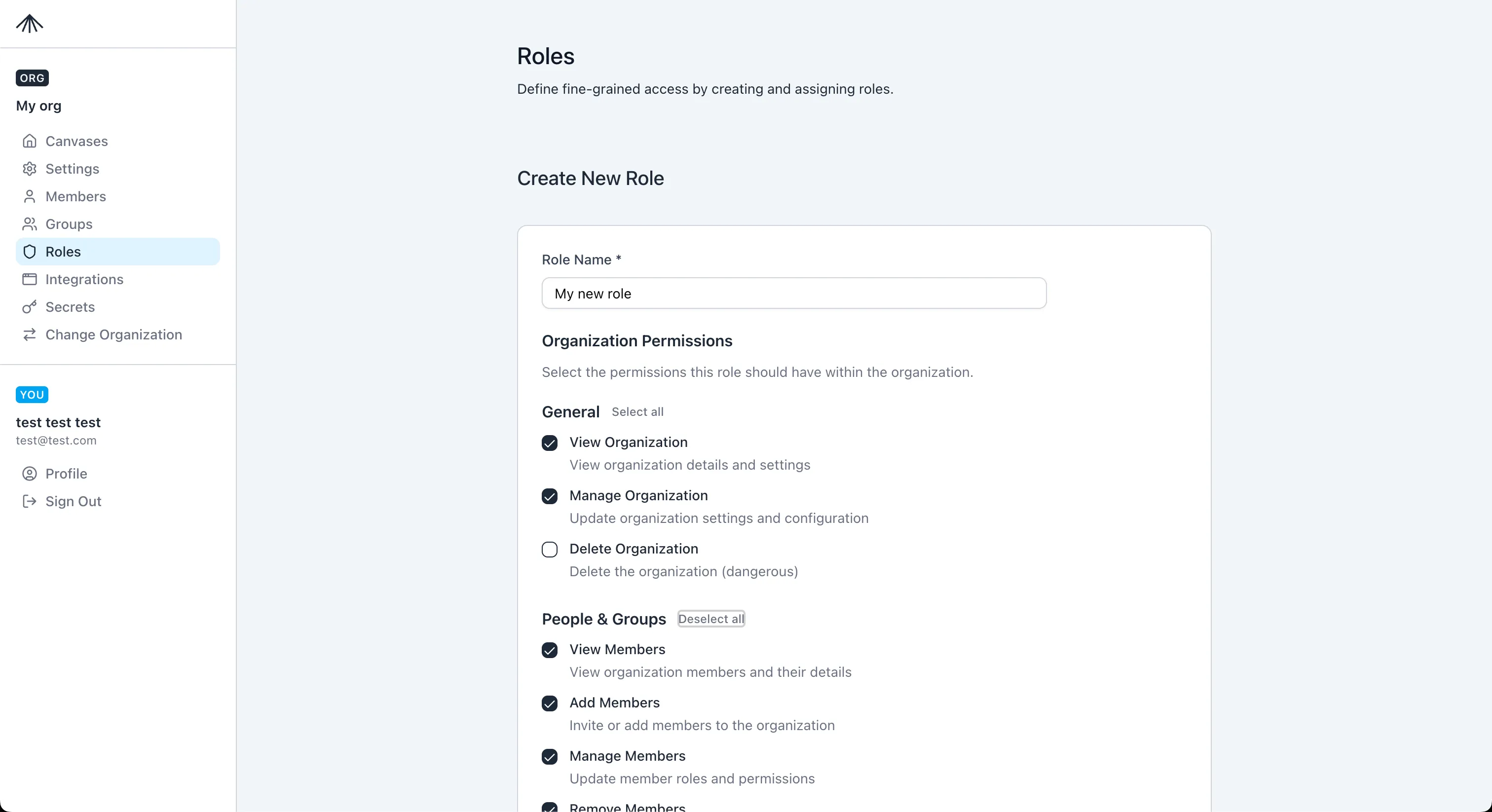
- Custom roles can be created, edited, and deleted if you have
roles.*permissions.
The Create Role page lets you pick permissions by category.
Groups
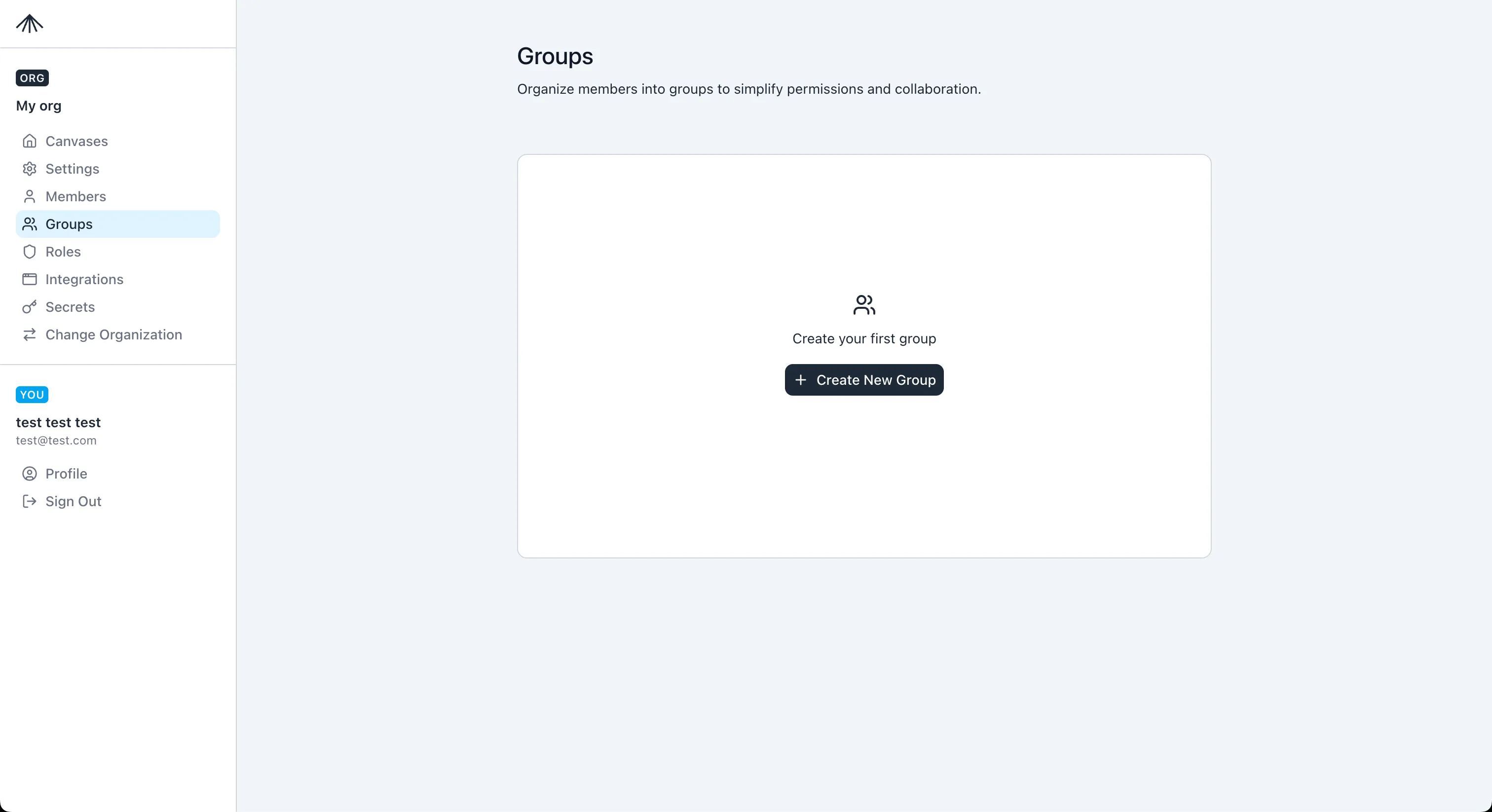
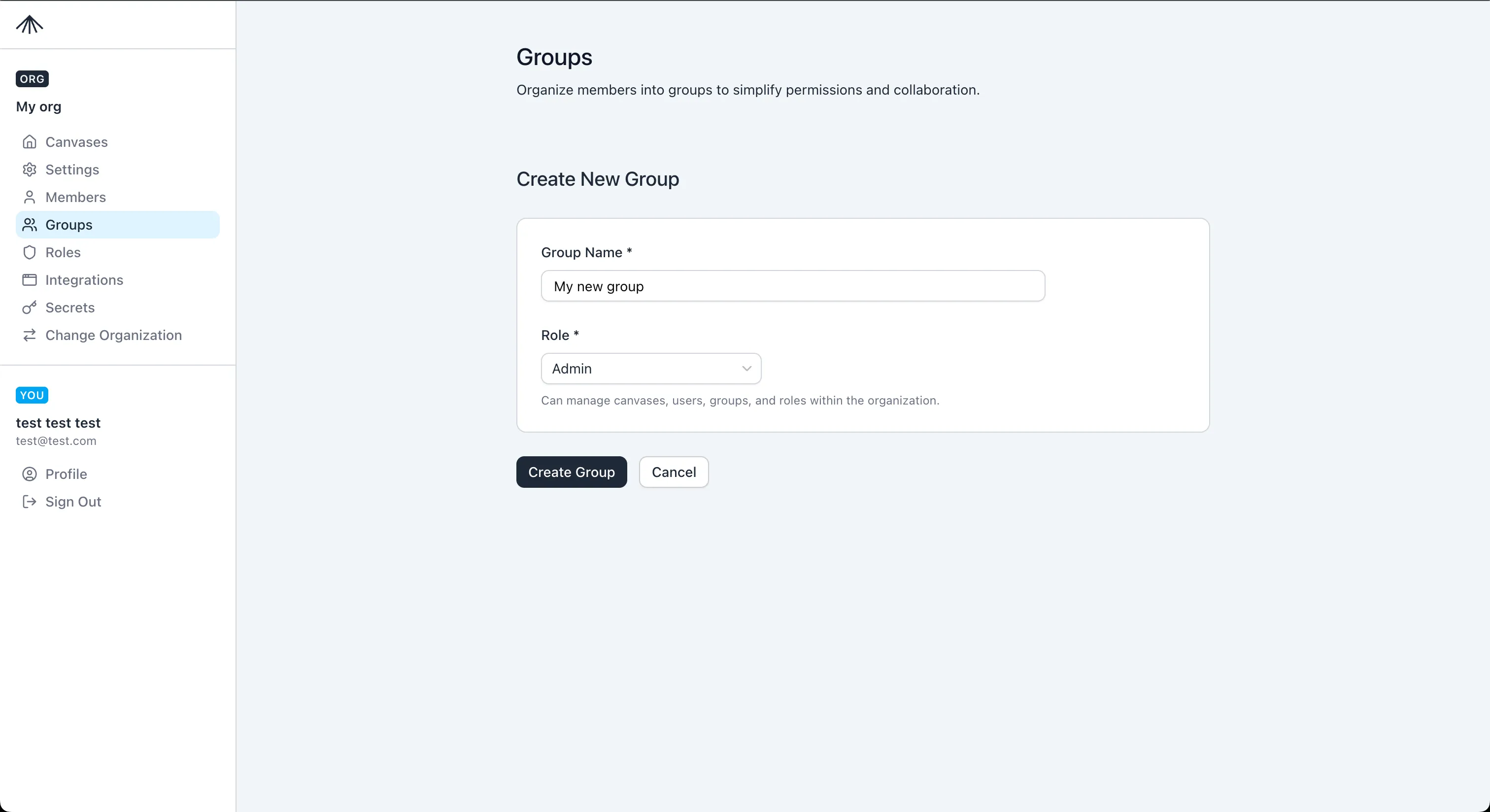
Section titled “Groups”Groups map to a single role. When a user is added to a group, they inherit that role in addition to any direct role assignment.
- Create groups in Organization Settings > Groups.
- Change a group role from the Groups list; all group members inherit the new role immediately.
Members
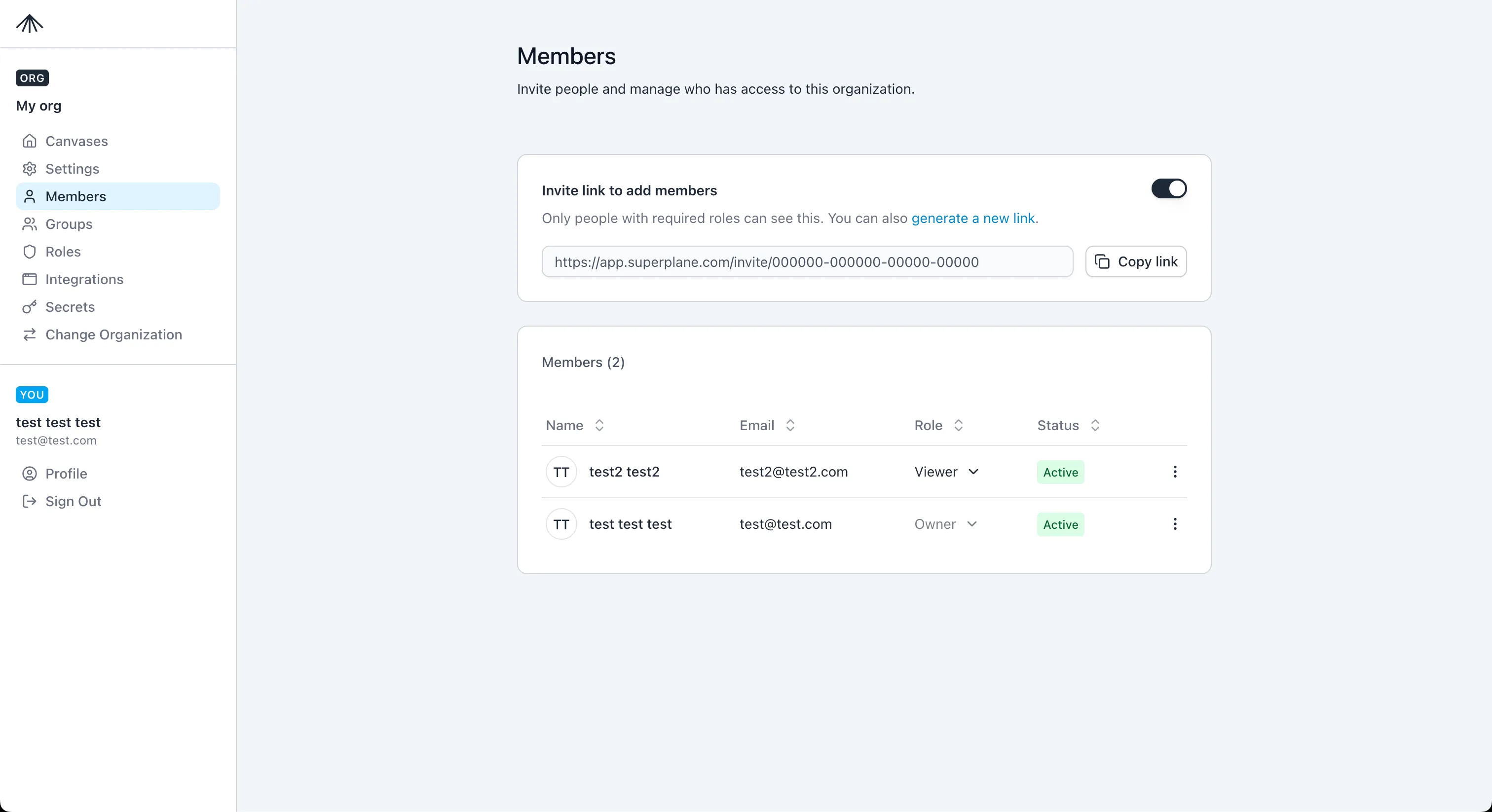
Section titled “Members”The Members page is where you assign a member’s direct role and manage invite links.
- New members start as
Viewerby default. - Assigning a role replaces the previous direct role.
- You must keep at least one
Ownerin the organization.